Create and Use an AI Blog Title Generator
An AI blog title generator in EasySites allows drafting creative and SEO-friendly blog titles using AI. The platform supports reusable templates, personalization with variables, and organized storage for easy access directly from the dashboard.
How to create and use an AI blog title generator:
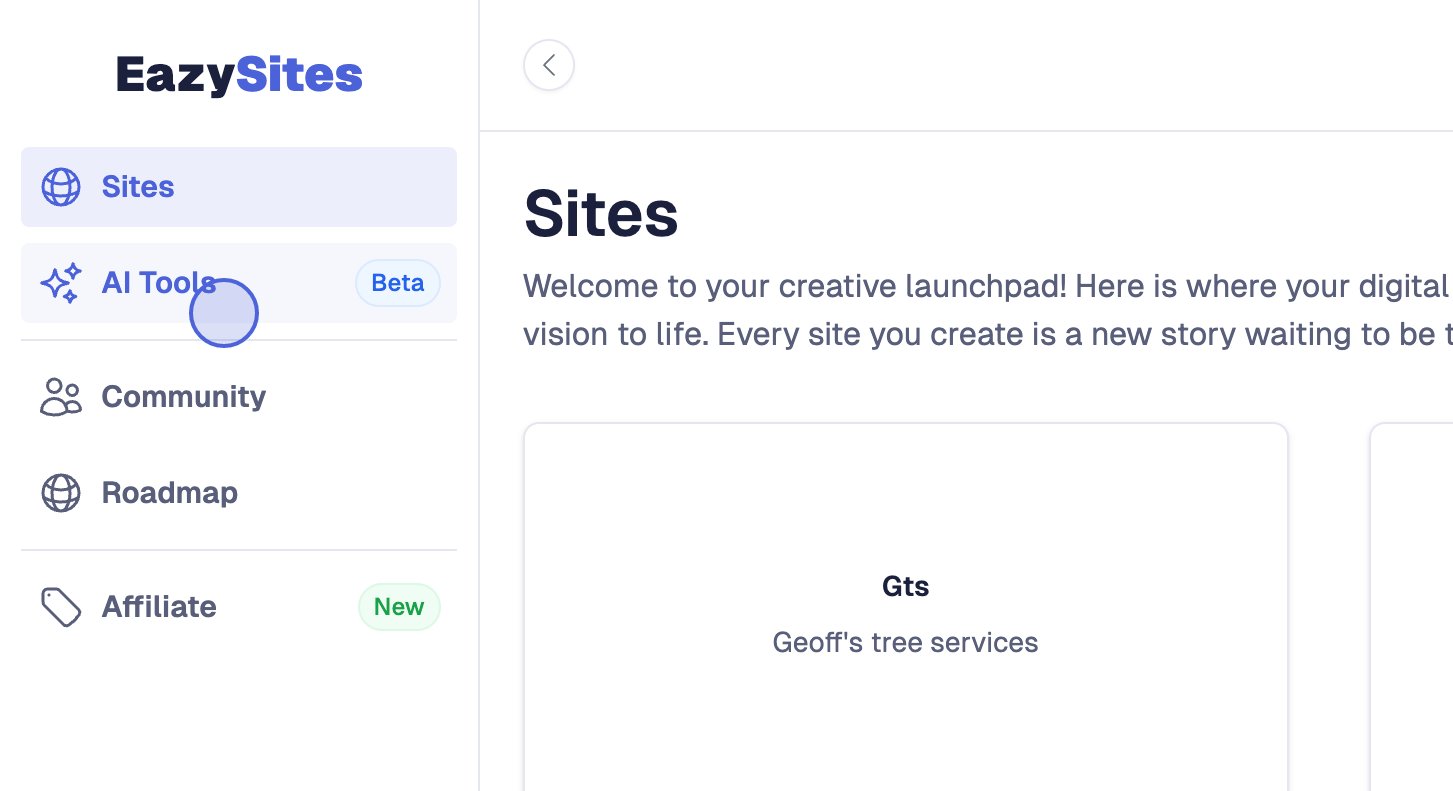
Open AI Tools from the dashboard sidebar.
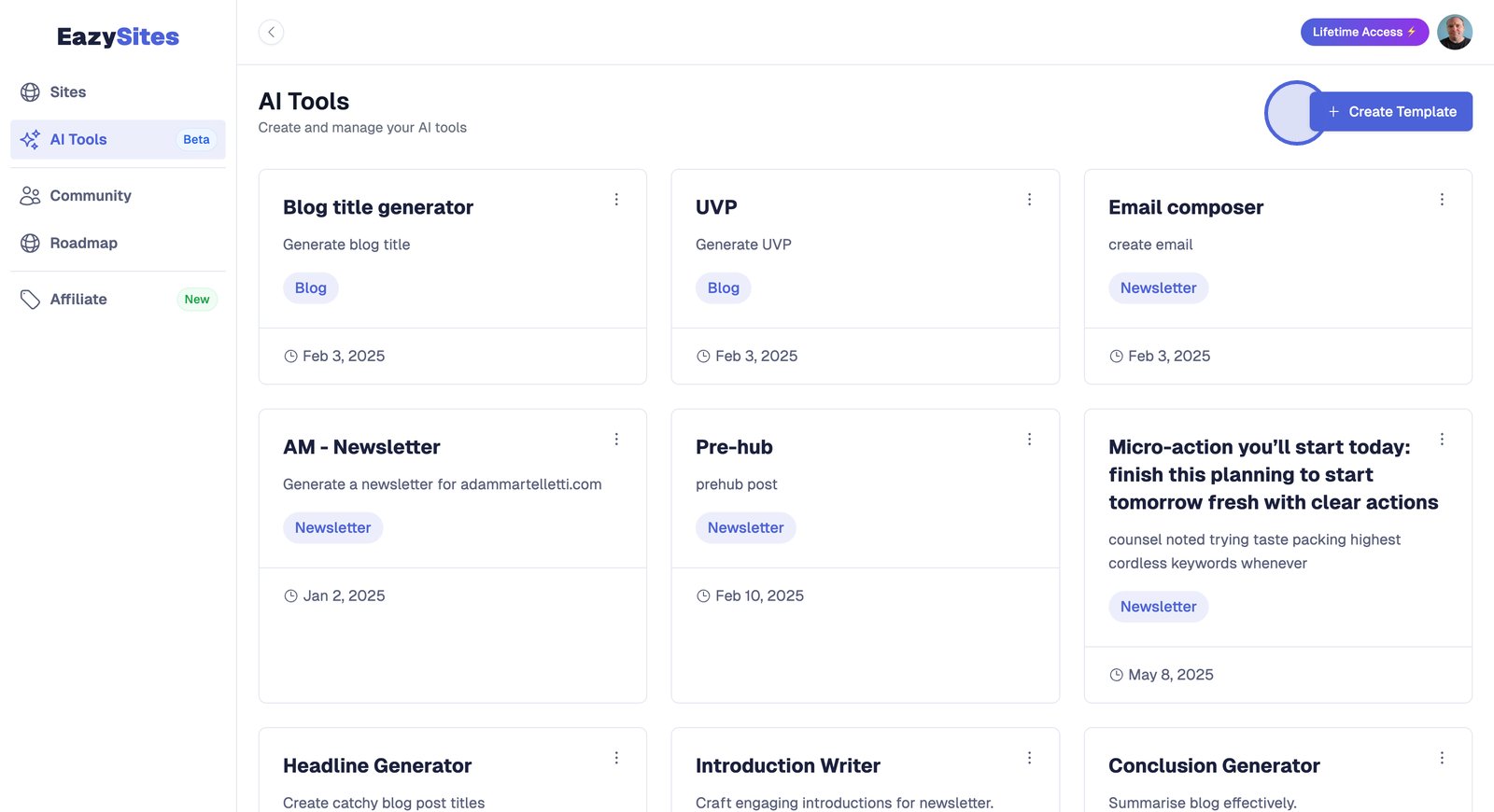
Select Create Template.
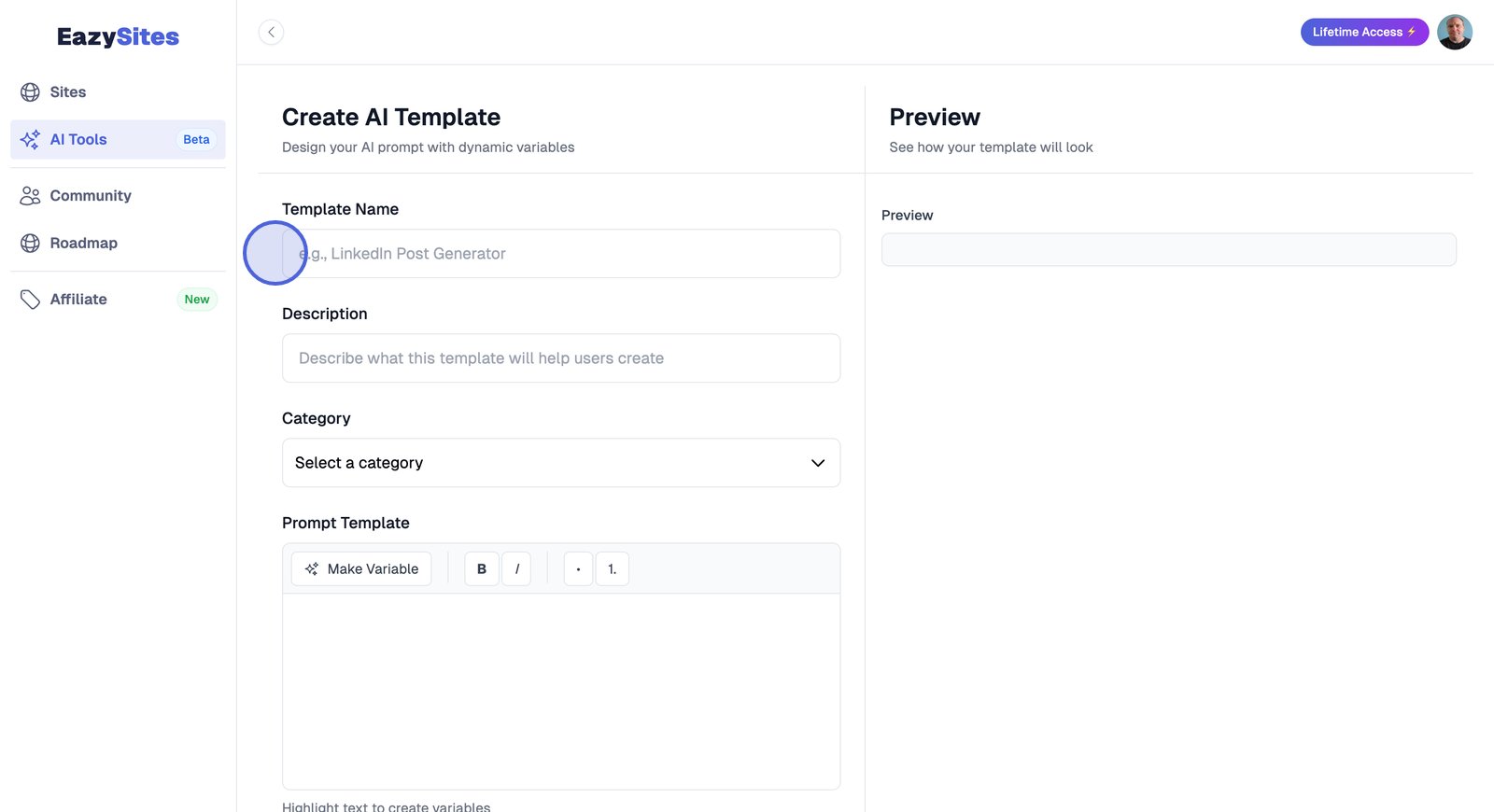
Enter the template name.
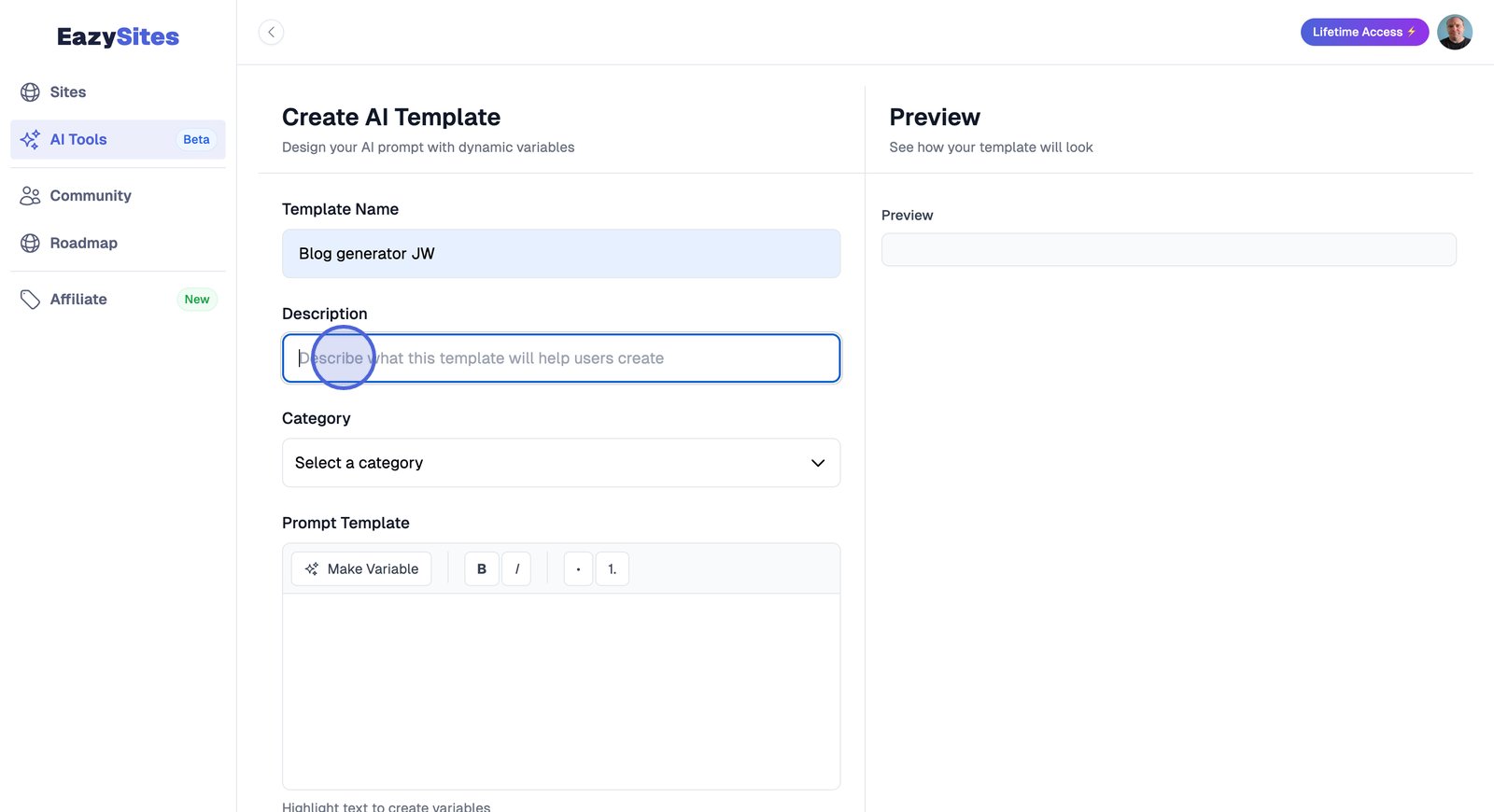
Enter the template's purpose.
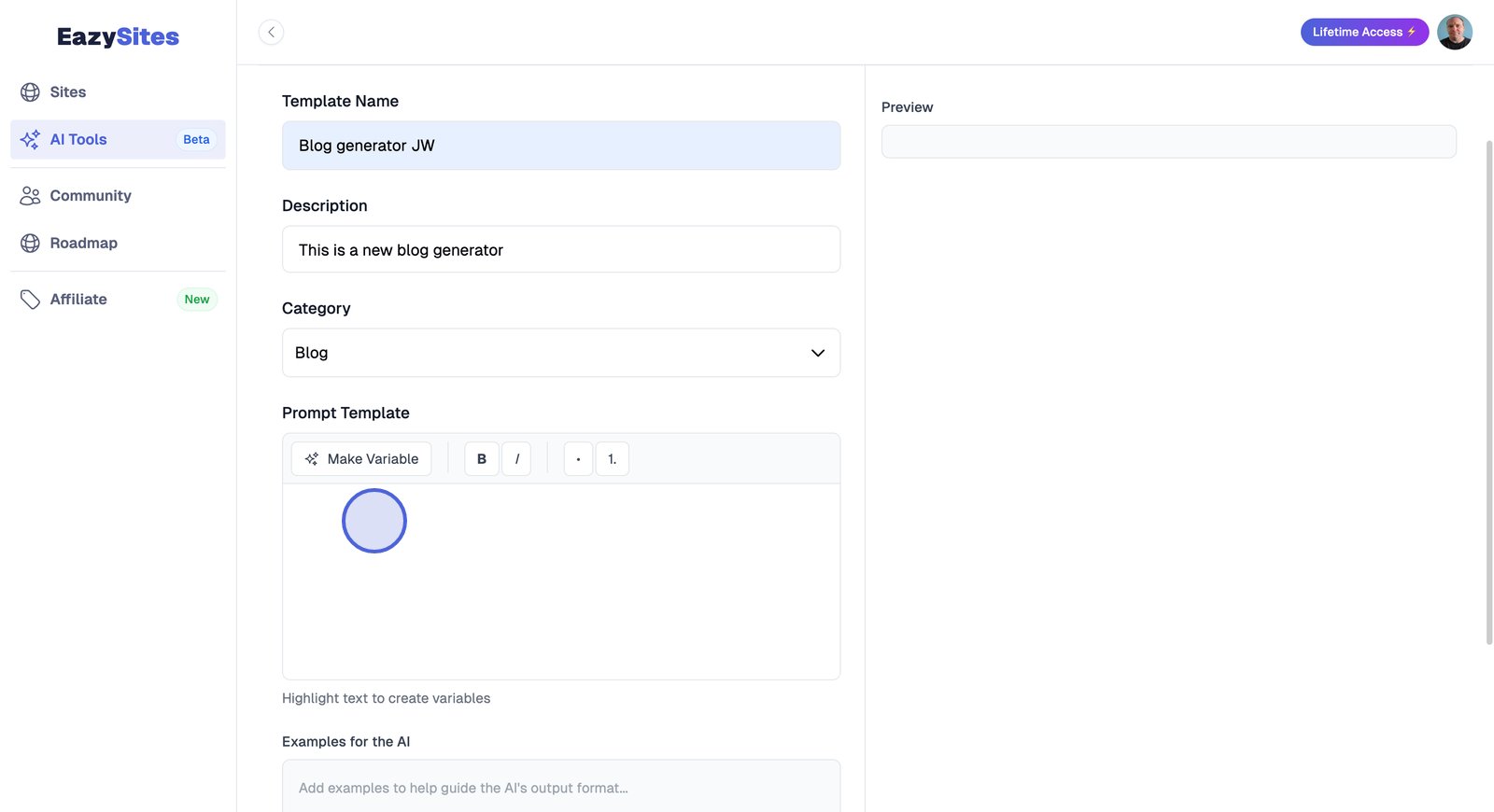
Select a category.
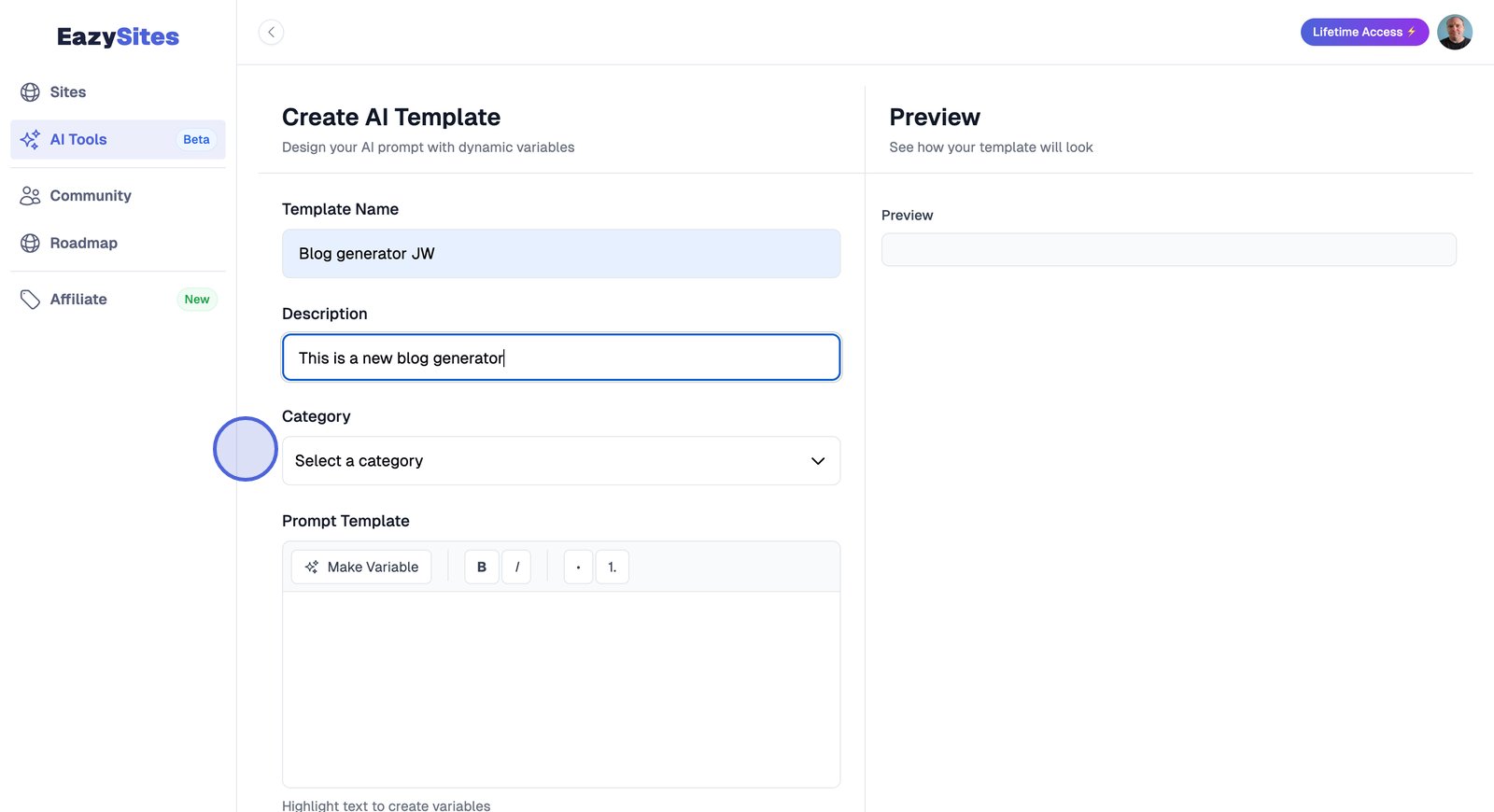
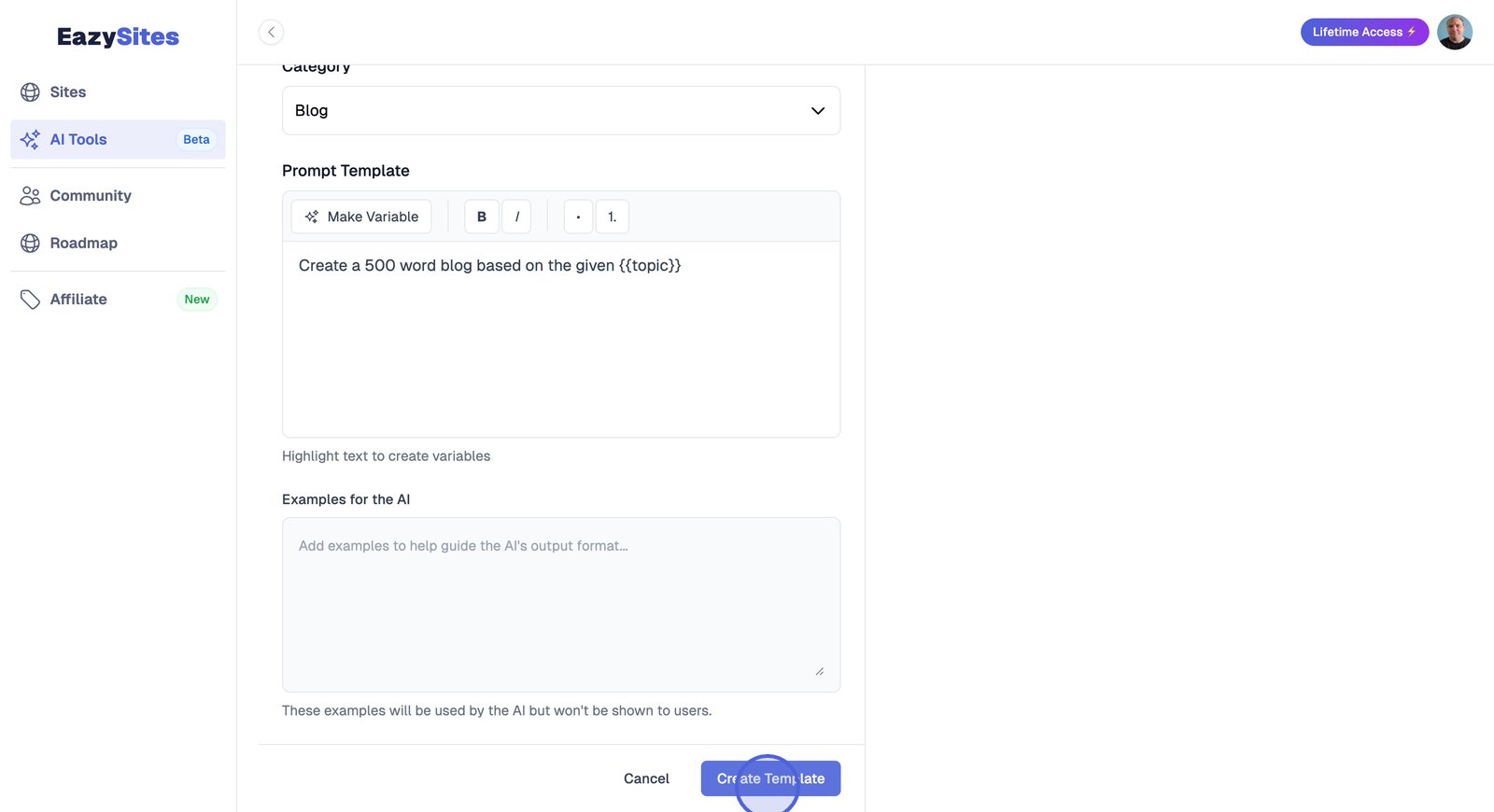
Add variables to the template to allow use across different topics.
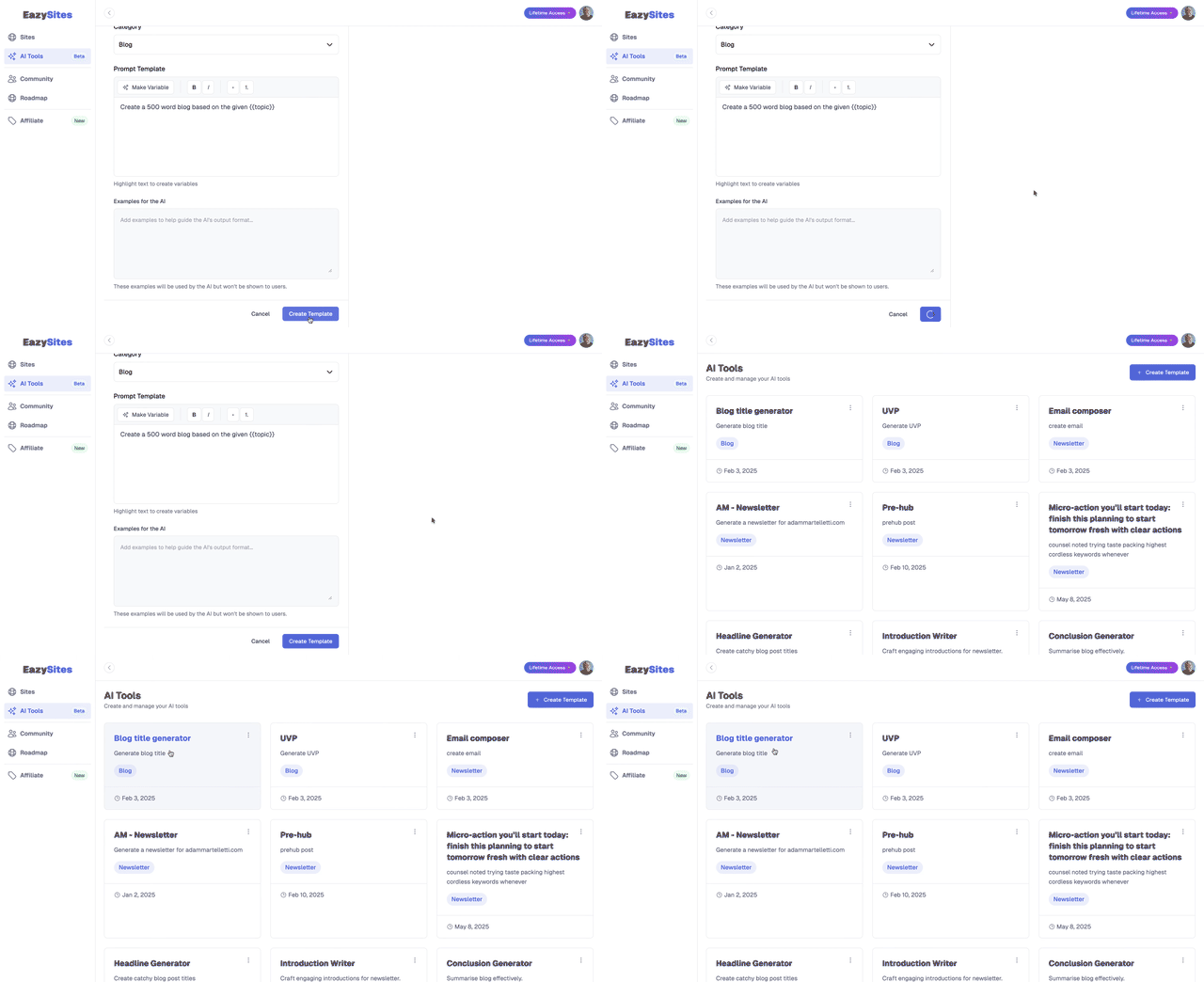
Click Create Template to save.
Select the saved Blog Title Generator tool.
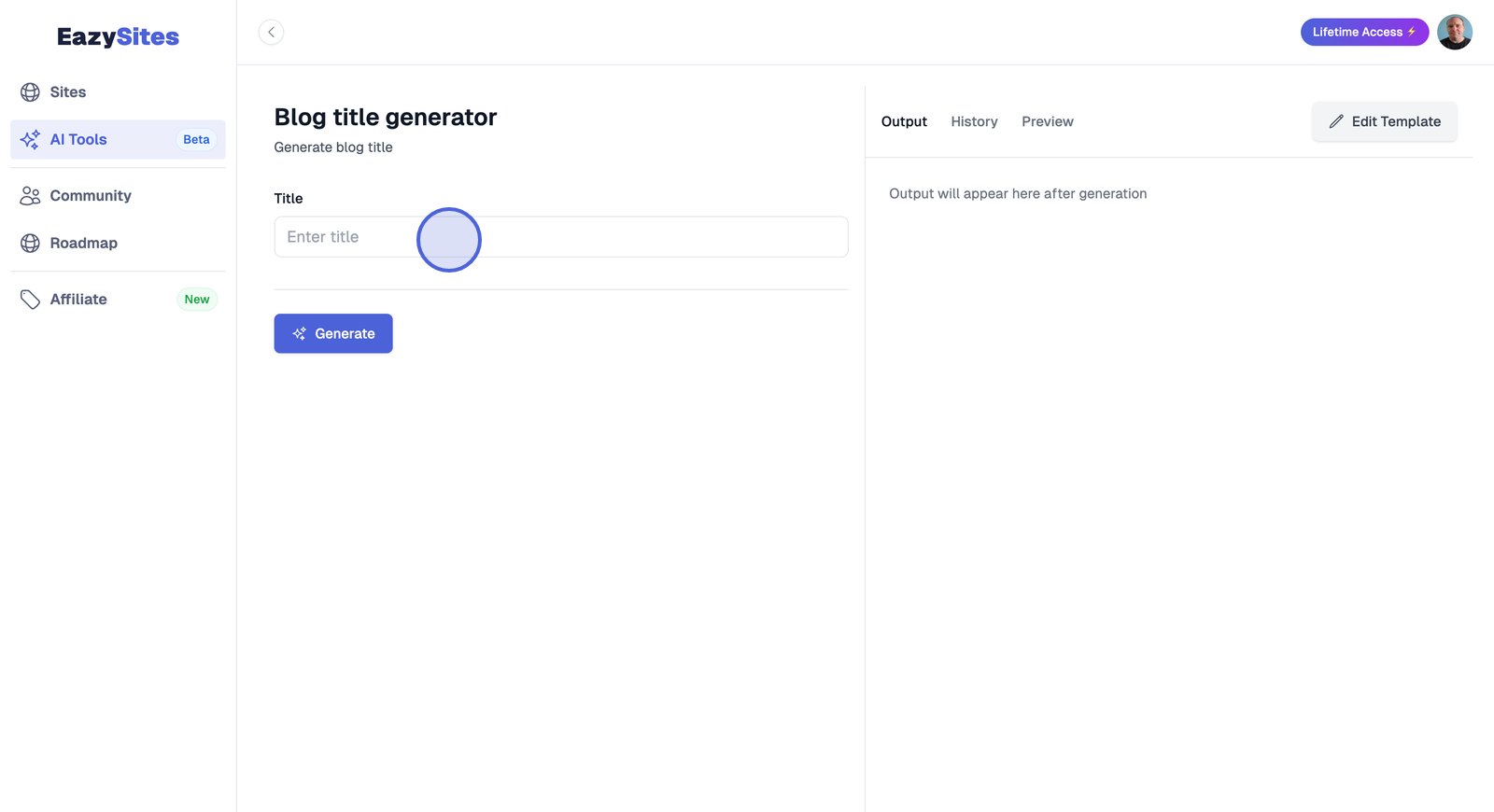
Enter a blog topic or idea for AI suggestions.
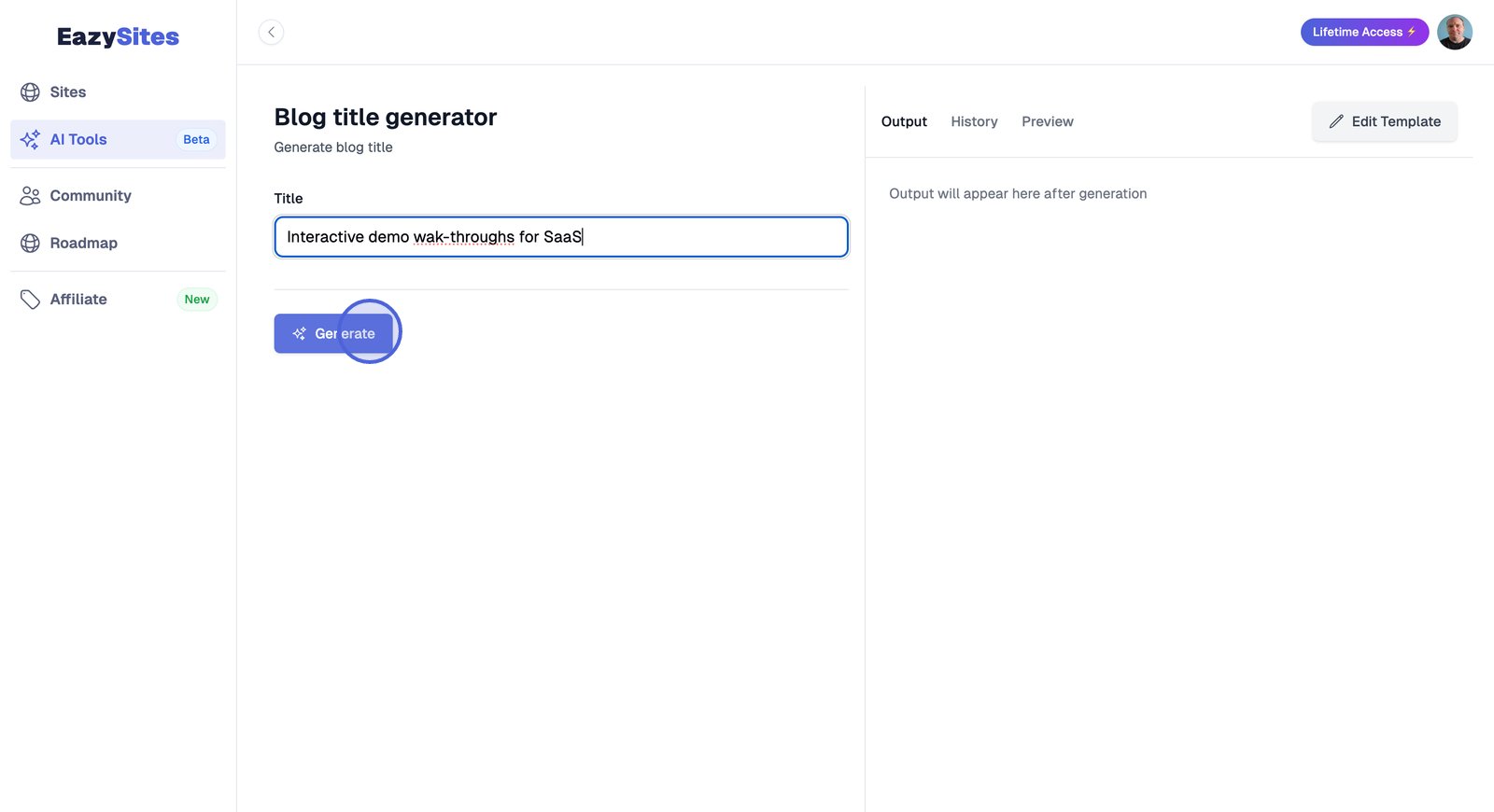
Click to display a list of AI-generated, creative, SEO-friendly titles.
Choose a title from the AI suggestions for a blog post.
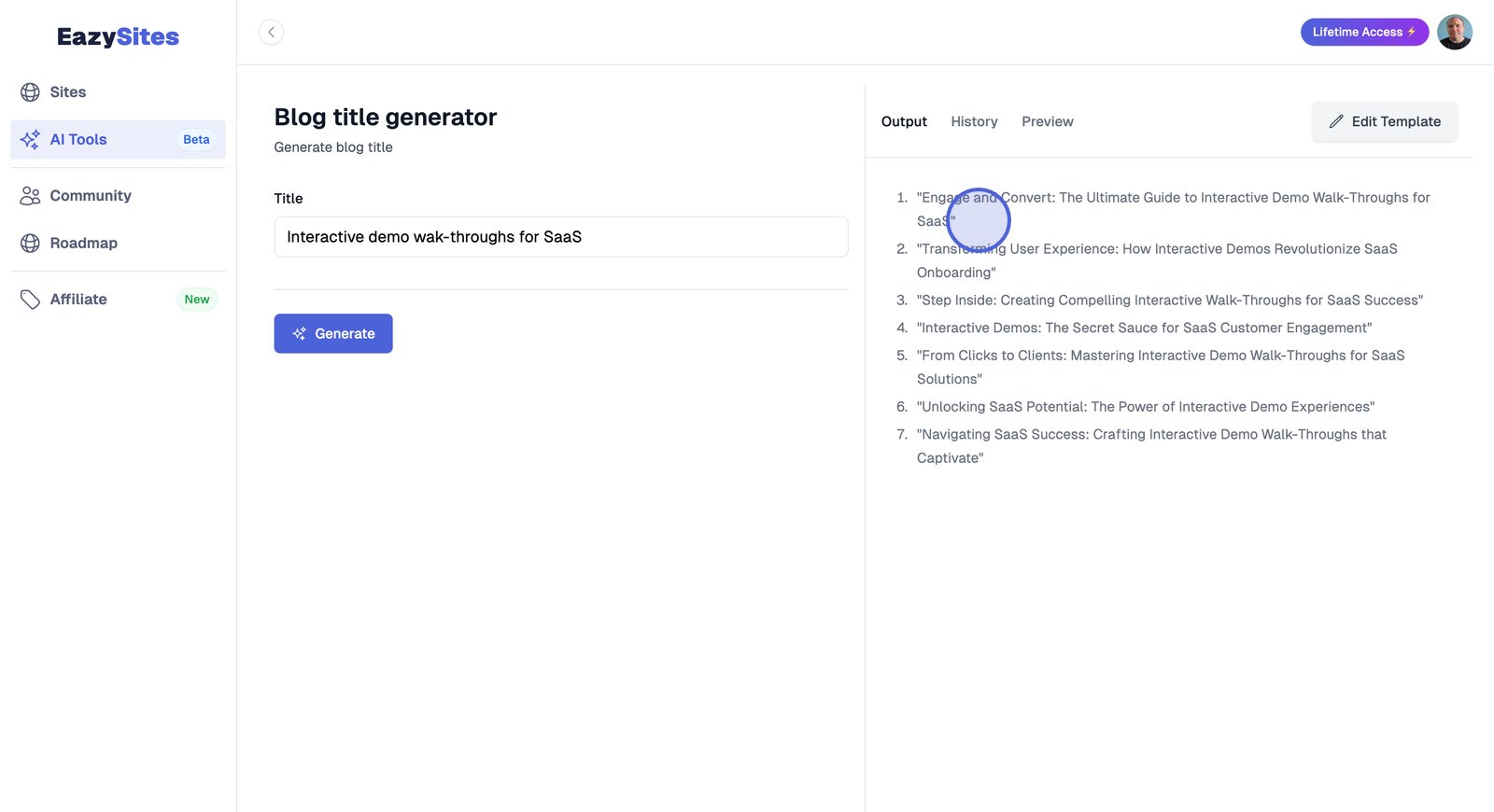
The AI blog title generator in EasySites enables titles to draft for specific topics. Templates are reusable, include variables, and are organized in the dashboard, supporting streamlined editing and consistent posts across multiple entries.
Written by Adam • Last updated: 9/11/2025