Add a Logo
Your logo is a key part of your brand identity, appearing prominently in your website’s header and footer.
A well-designed logo enhances your brand's credibility and helps your audience recognise your site easily.
To upload your logo, follow these steps:
Navigate to Site Settings.
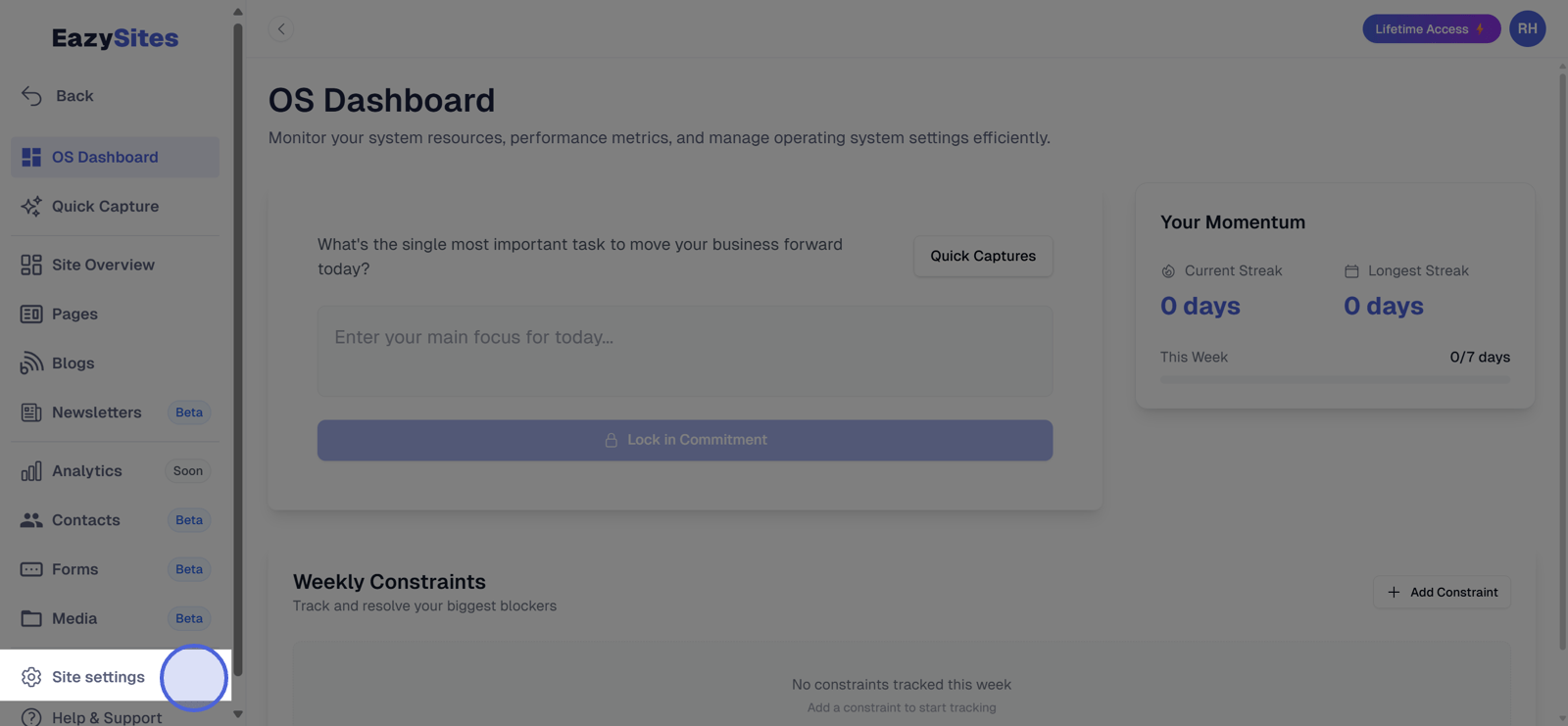
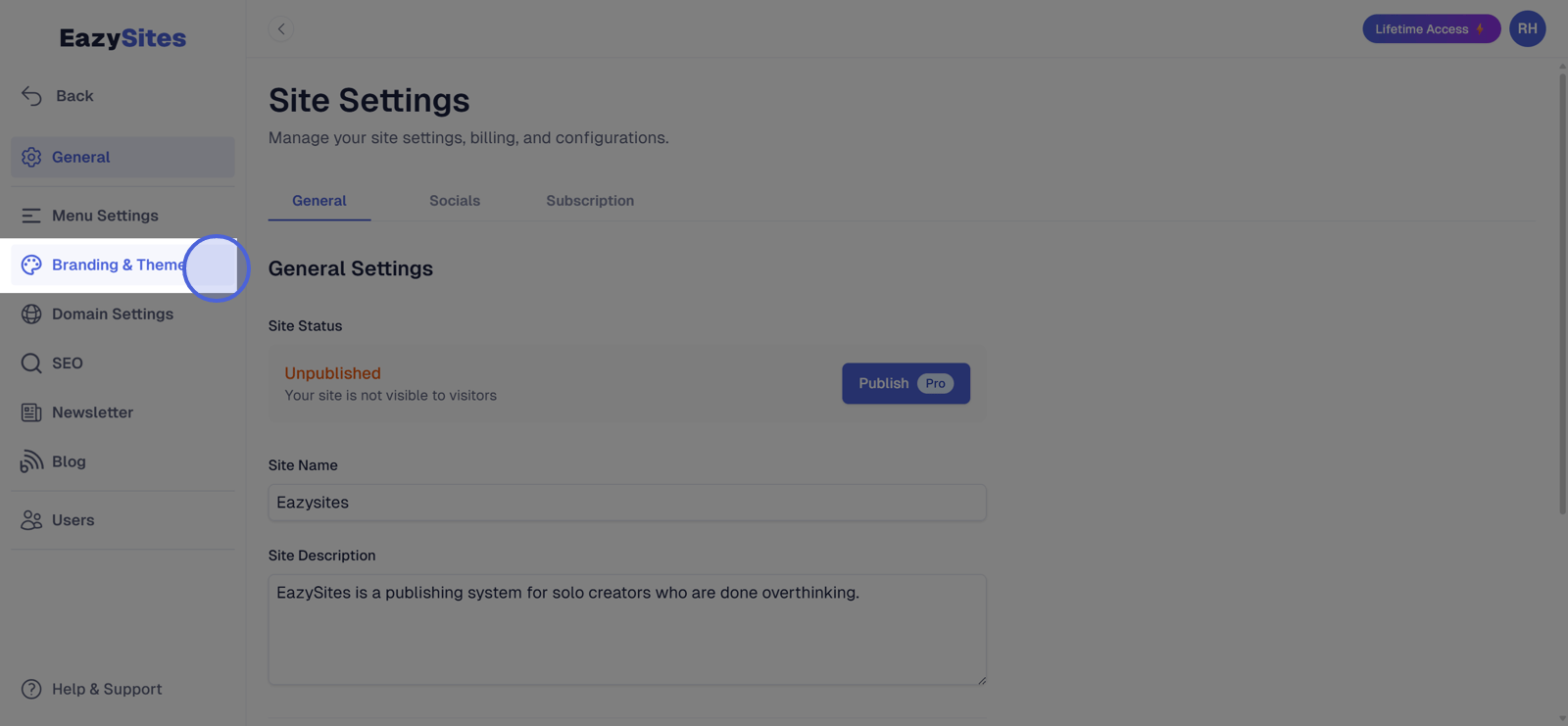
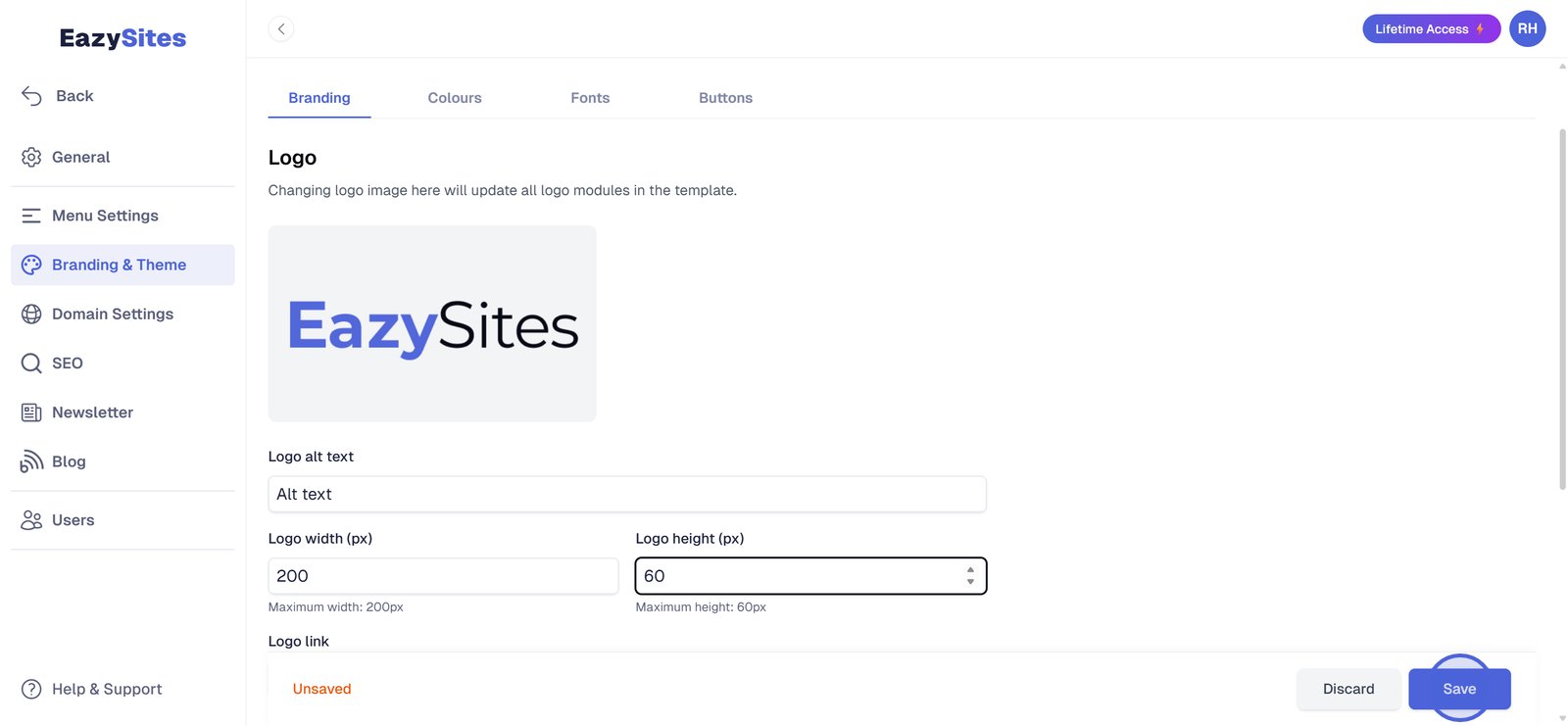
Go to Branding & Theme.
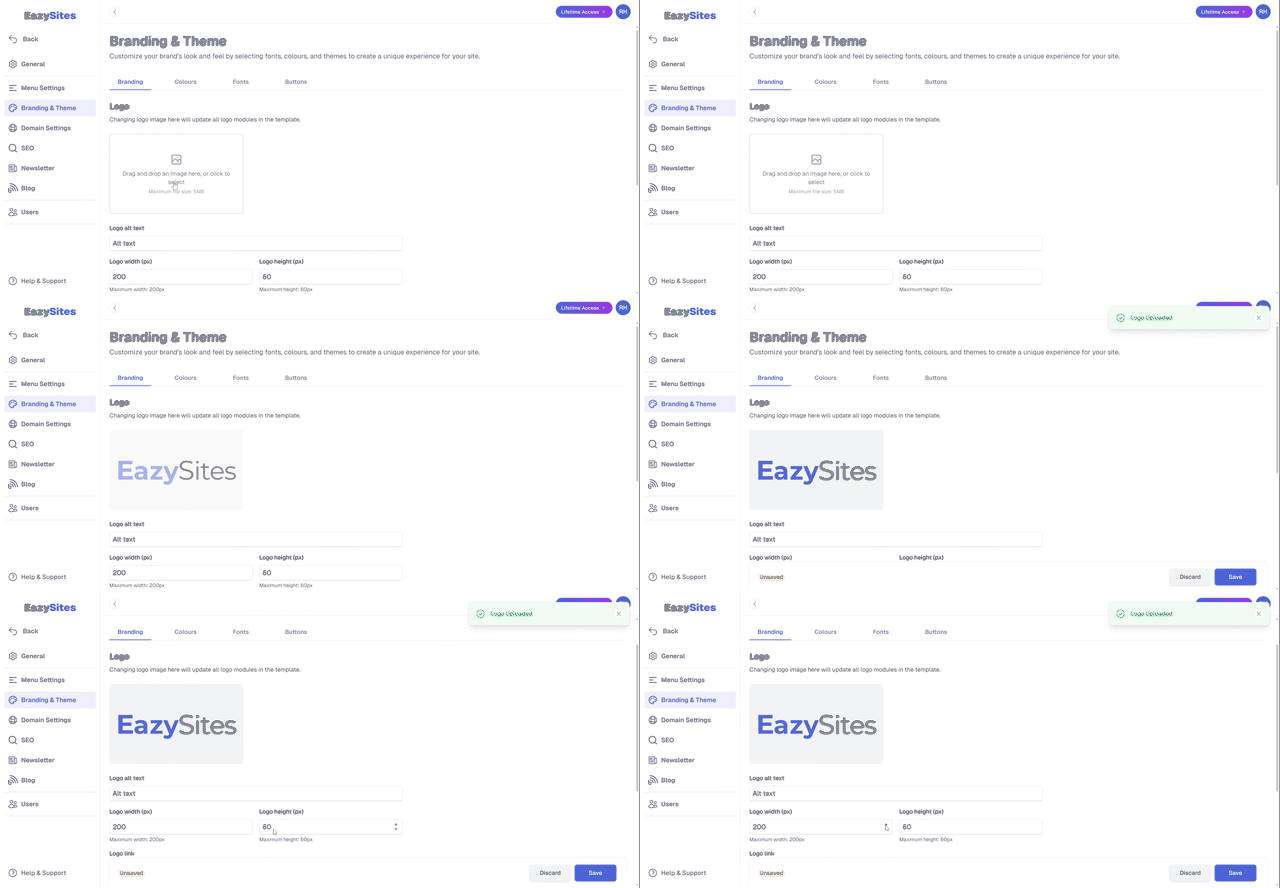
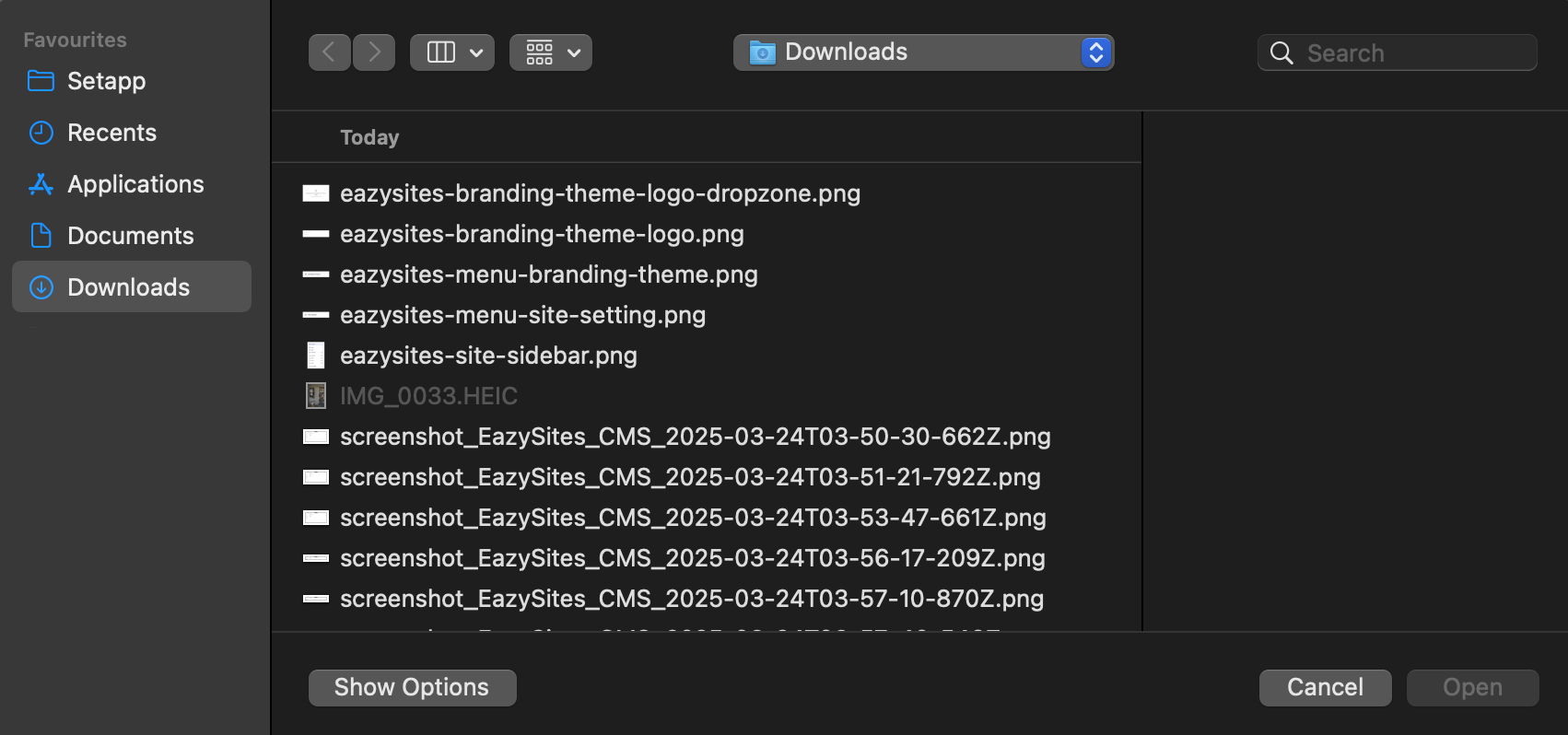
Click on Upload Logo and select your logo file.
Recommended formats are PNG or SVG.
Adjust Logo Position and Size (optional).
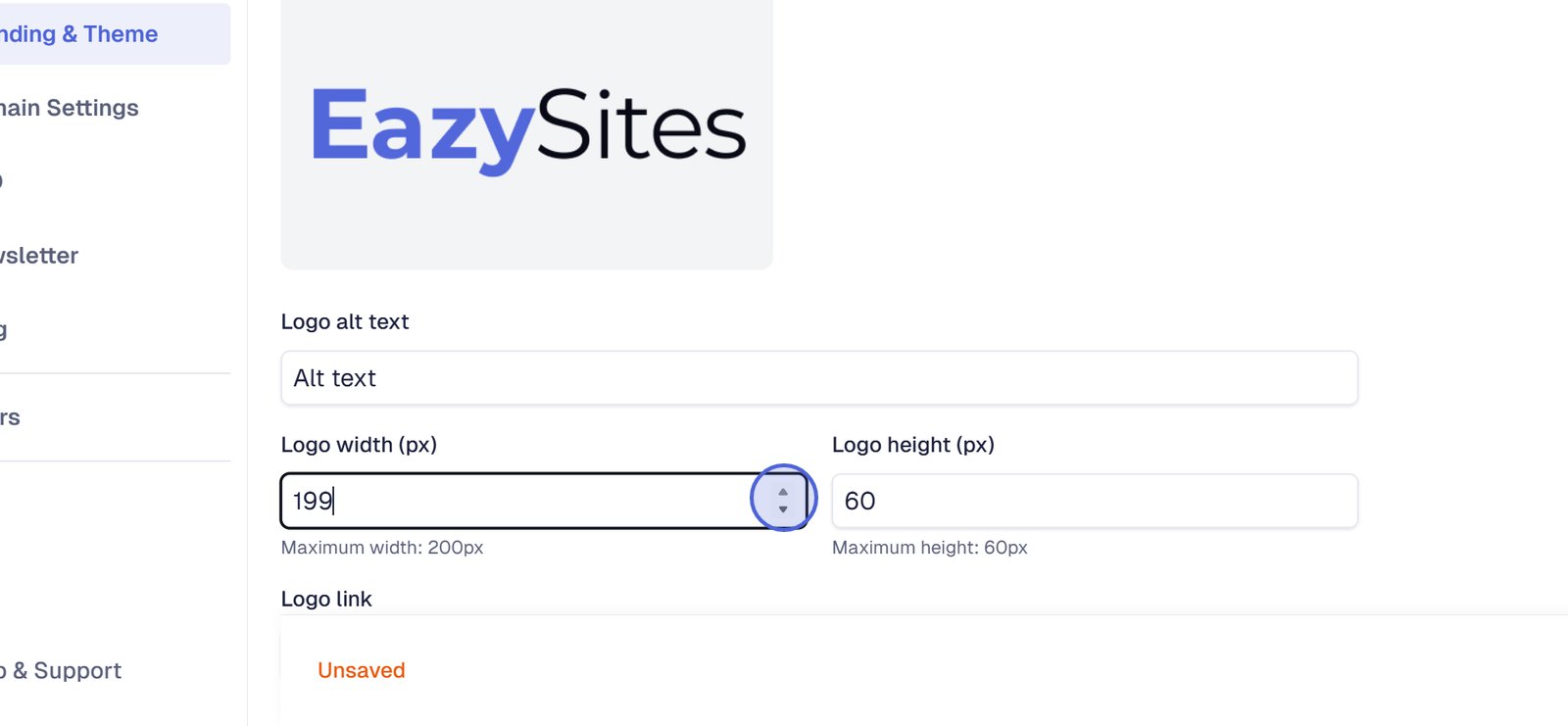
Click Save to apply the logo site-wide.
Tip: Use a high-resolution logo with a transparent background for a clean, professional look.
If you don't have a logo, you can create a simple text logo using our logo generator. You can also read about why people don't care about logos and why you shouldn't overthink it here.
By following these steps, you can effectively enhance your website's branding with a custom logo and favicon. If you have any questions or need further assistance, feel free to reach out to our support team!
Written by Adam • Last updated: 9/29/2025